
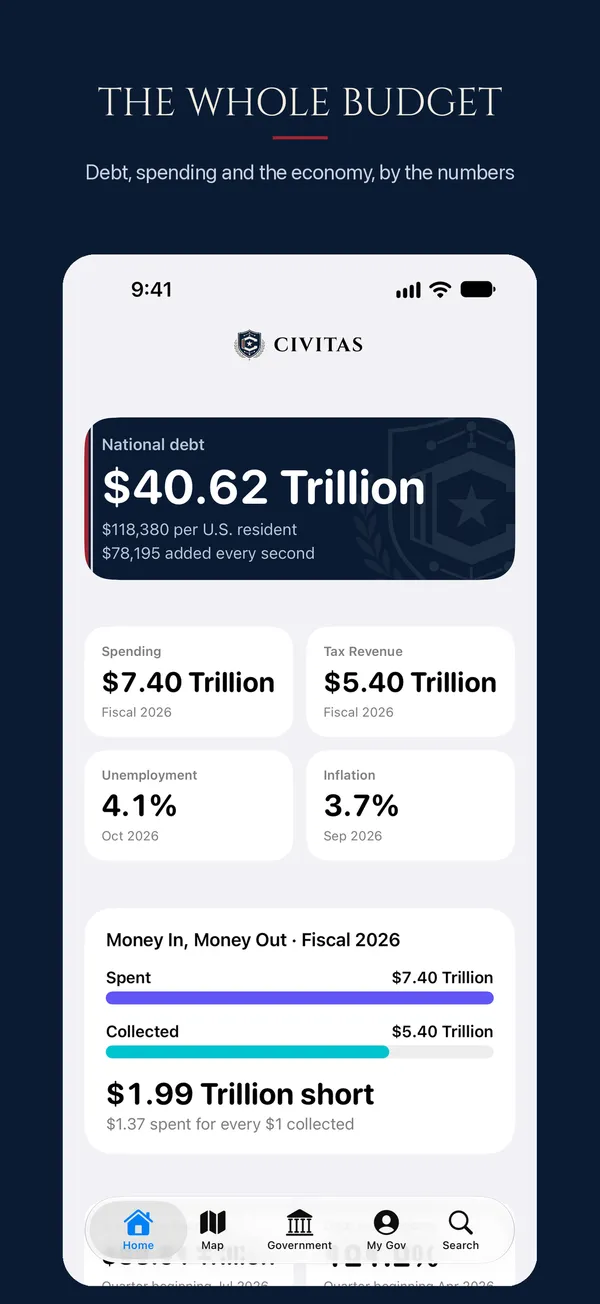
The whole budget
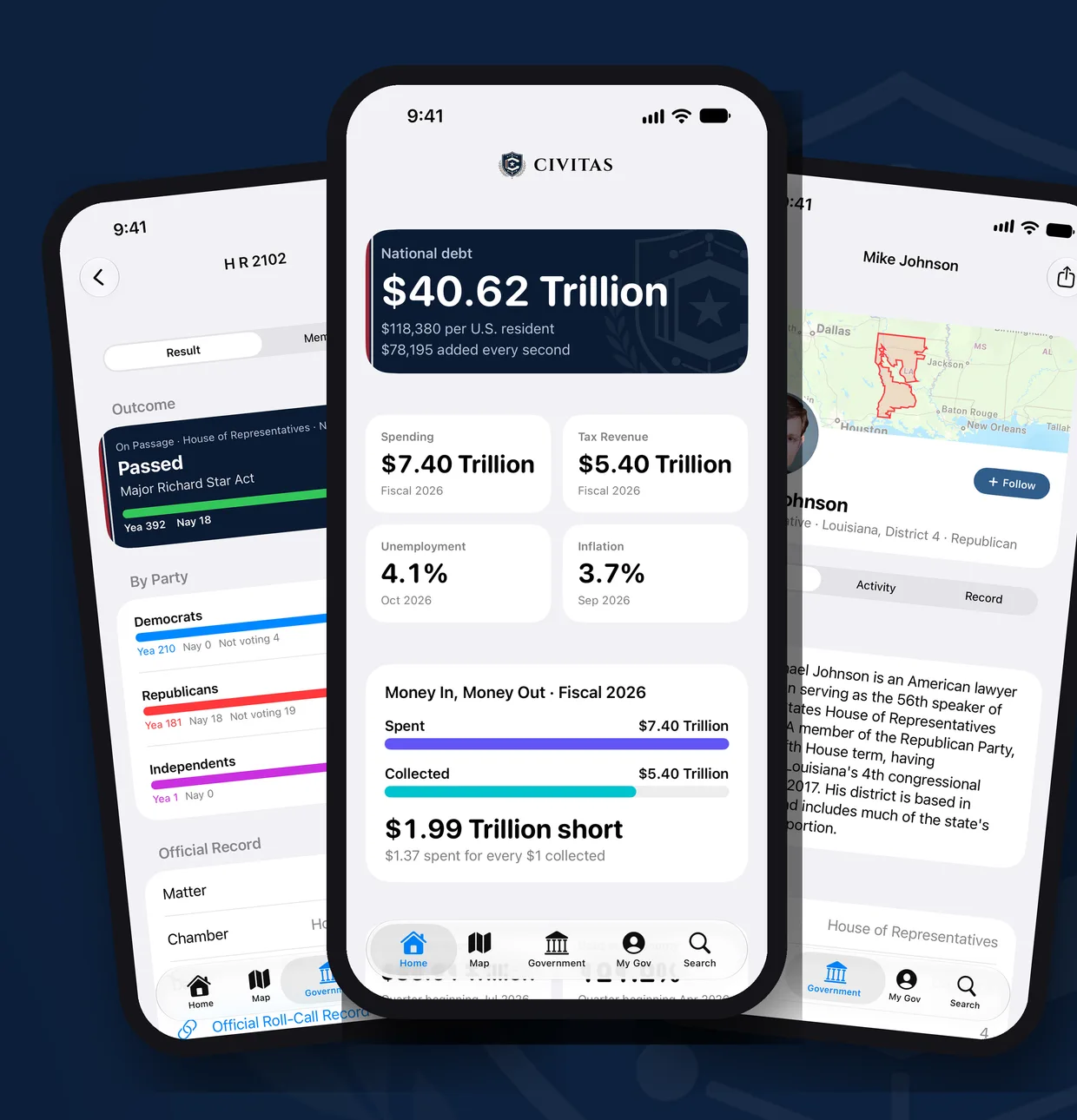
See the national debt, updated from the U.S. Treasury every business day. Spending, revenue, the deficit, inflation, jobs and GDP sit right beside it.

CIVITAS
The national debt, every vote in Congress, bills in plain English, and where your taxes go: official numbers, nonpartisan, and private.
Free · iPhone and iPad · No account, no ads, no tracking.
Official sources Treasury, Congress, the Census Bureau, the Federal Reserve and the BLS.
Nonpartisan The same rules for every party.
Private Your data stays on your phone.
Free
See the national debt, updated from the U.S. Treasury every business day. Spending, revenue, the deficit, inflation, jobs and GDP sit right beside it.
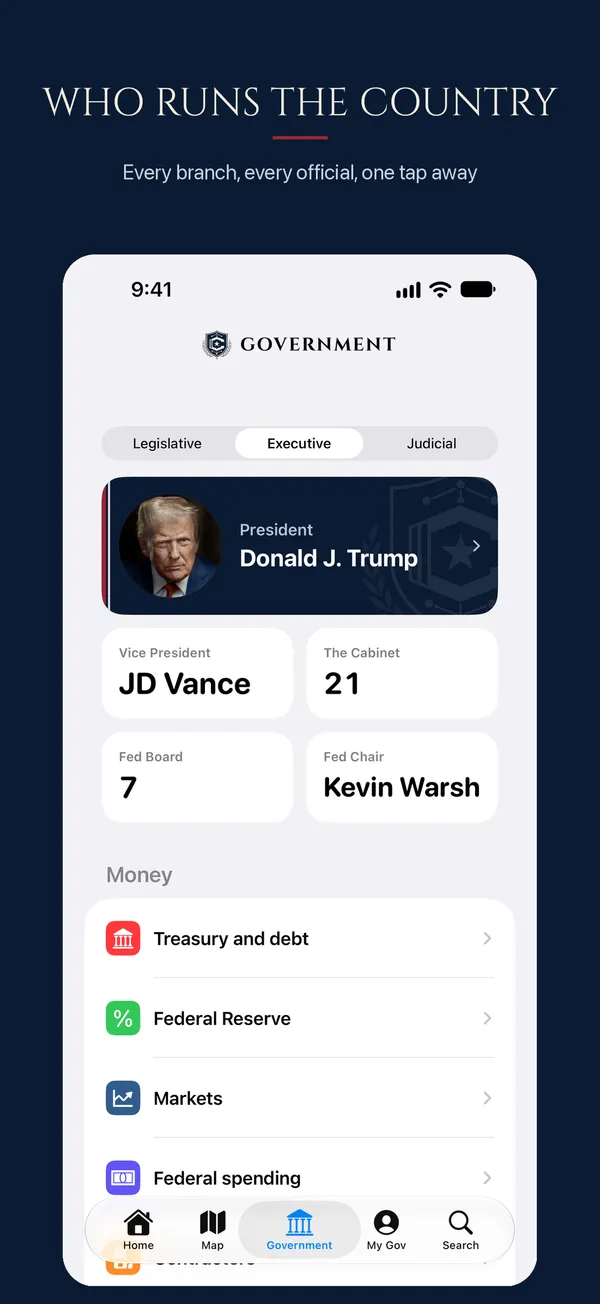
See all three branches of the federal government in one place. Browse from the President and Cabinet to the Fed and the Supreme Court, with official photos.
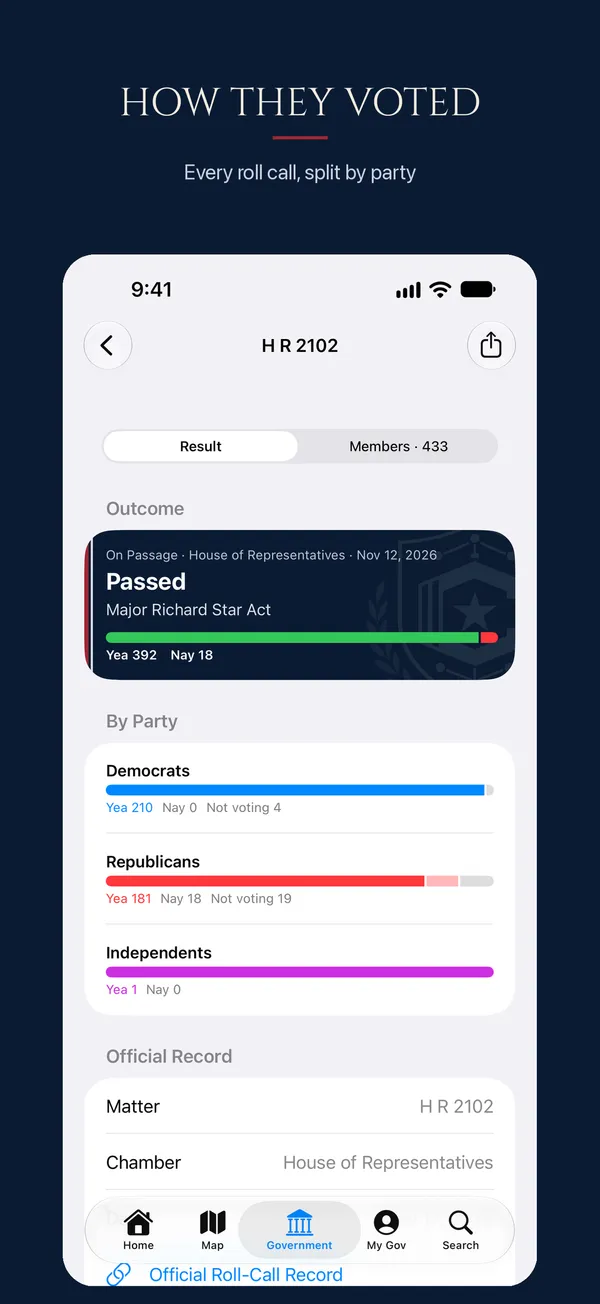
Look up every roll-call vote and see the result. Each one comes with a split by party and how each member voted.
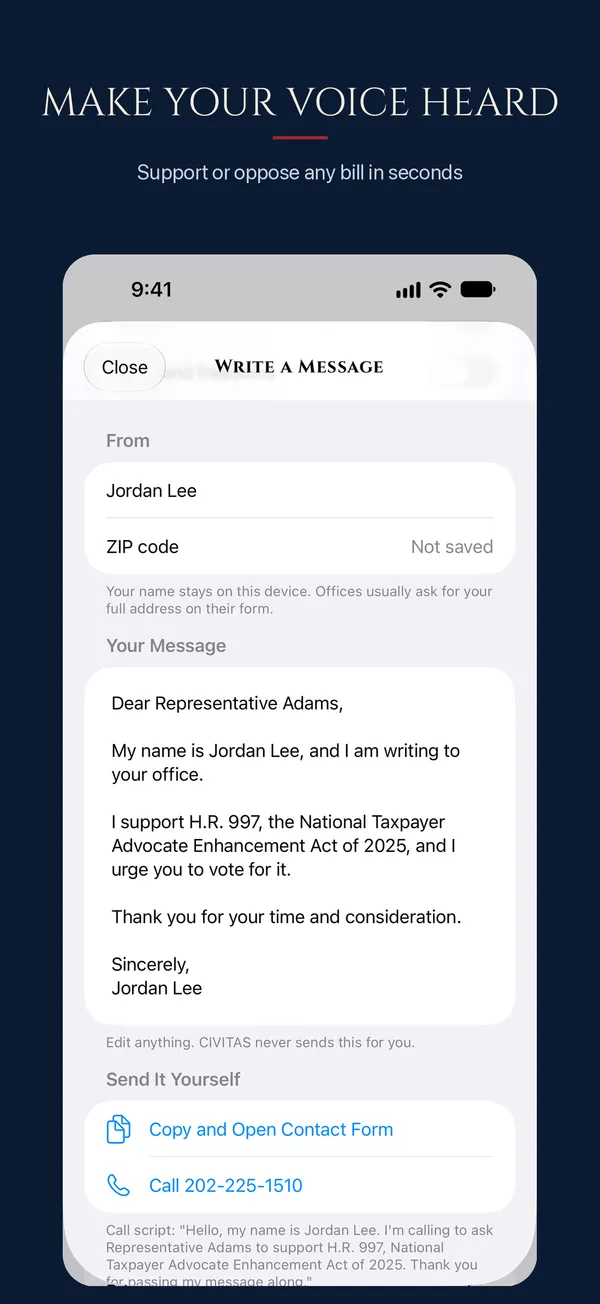
Tap Support or Oppose on any bill. CIVITAS drafts a message, and you send it to your member's official office or call them.
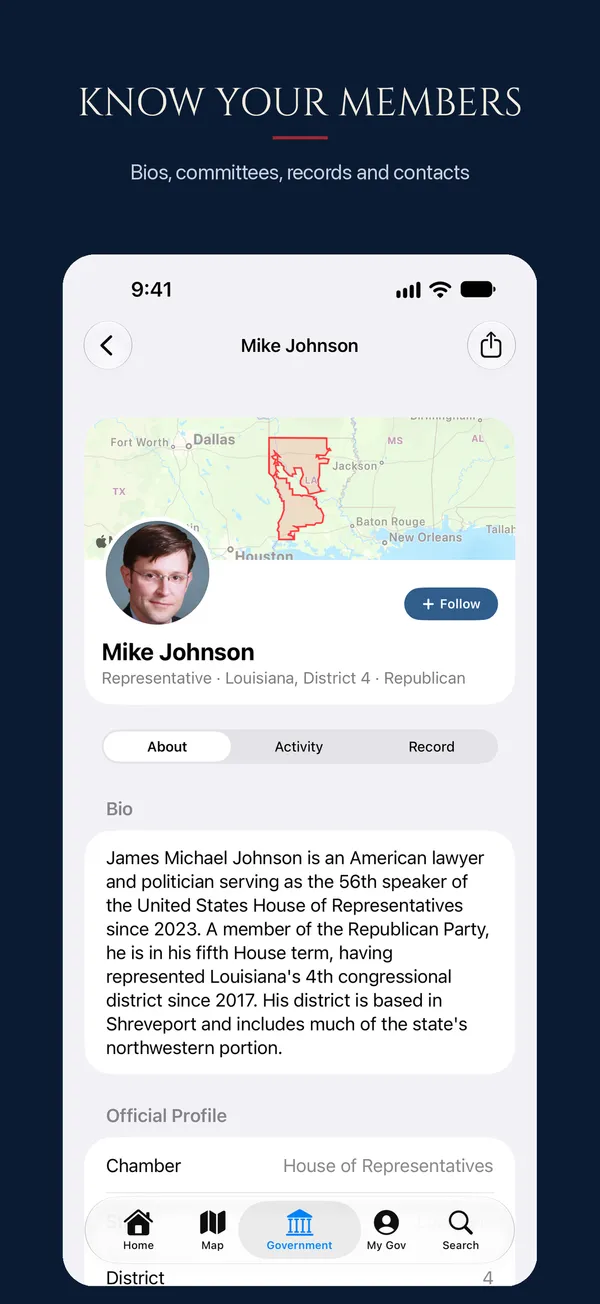
Find any member of Congress. Each profile has a bio, committees, a voting record and contact details.
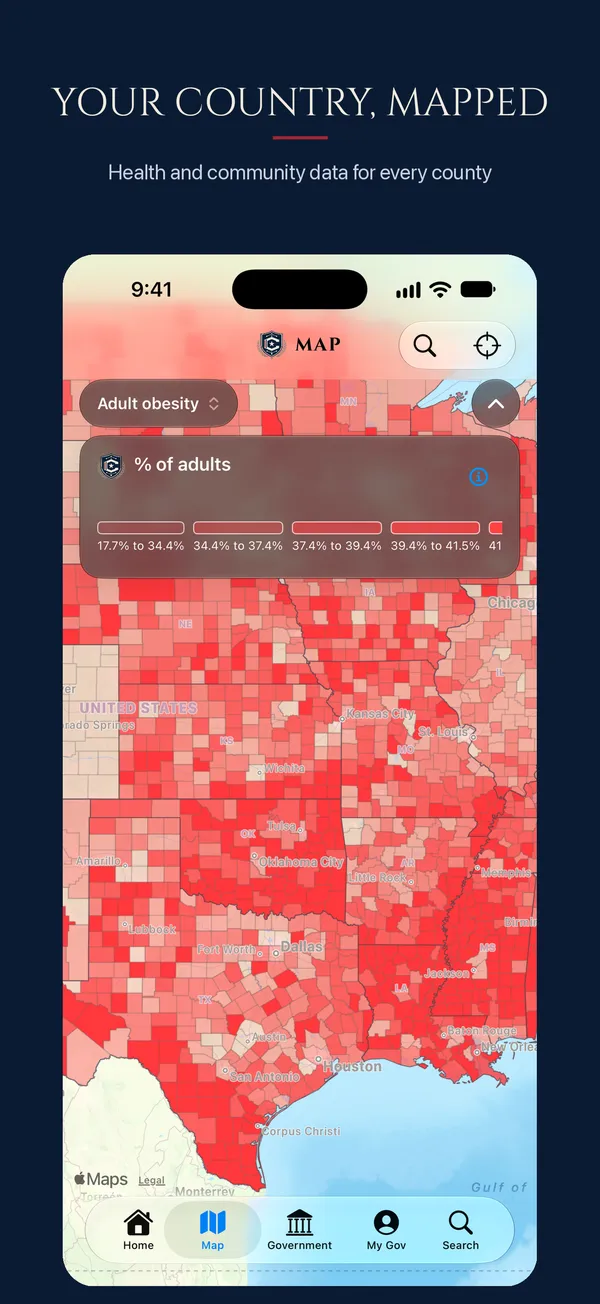
Explore every congressional district and county on the map. Each one comes with health and community data.
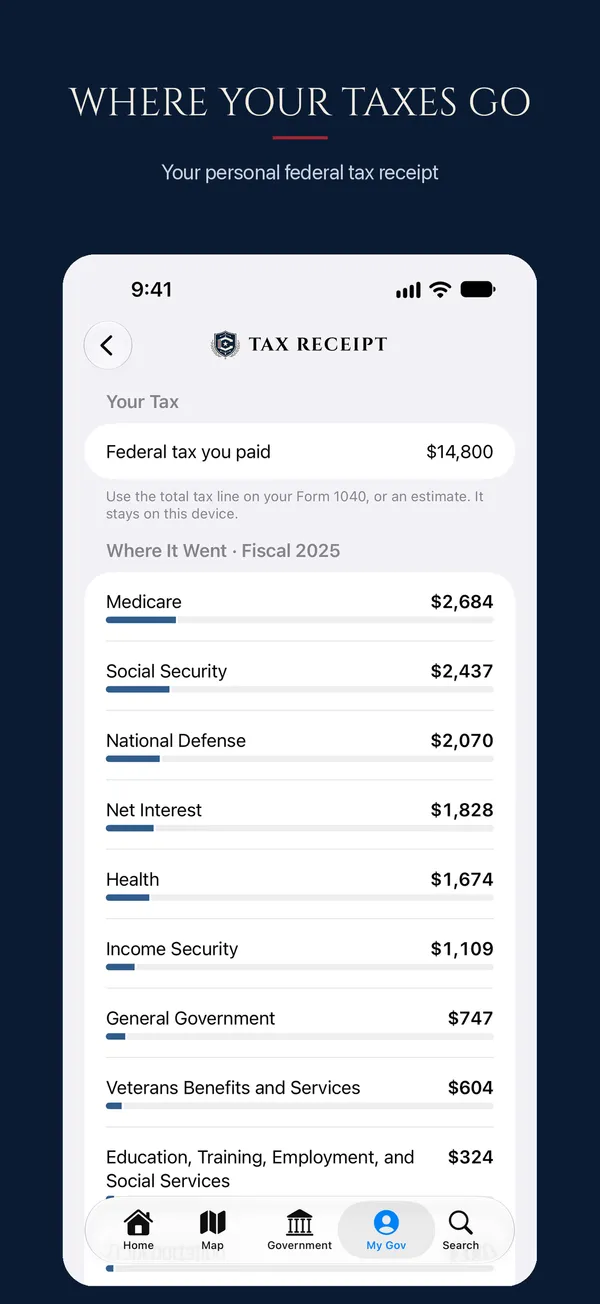
Enter what you paid in federal tax. CIVITAS turns it into your personal federal tax receipt.
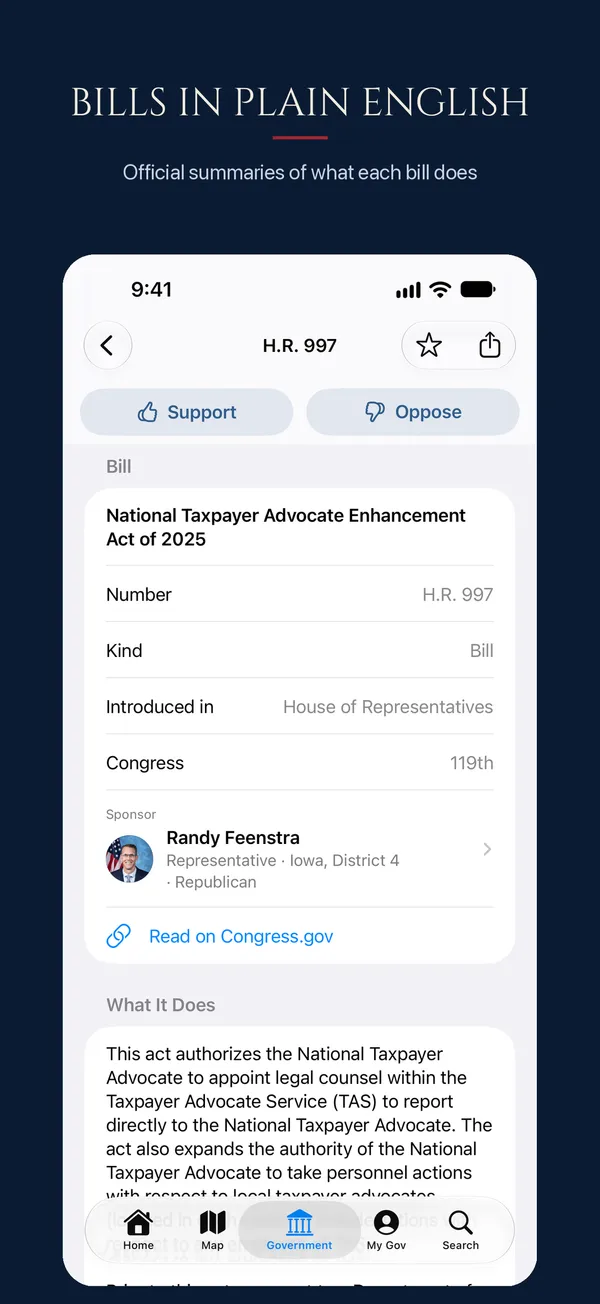
Find out what each bill does. The summaries are the official ones from the Congressional Research Service.
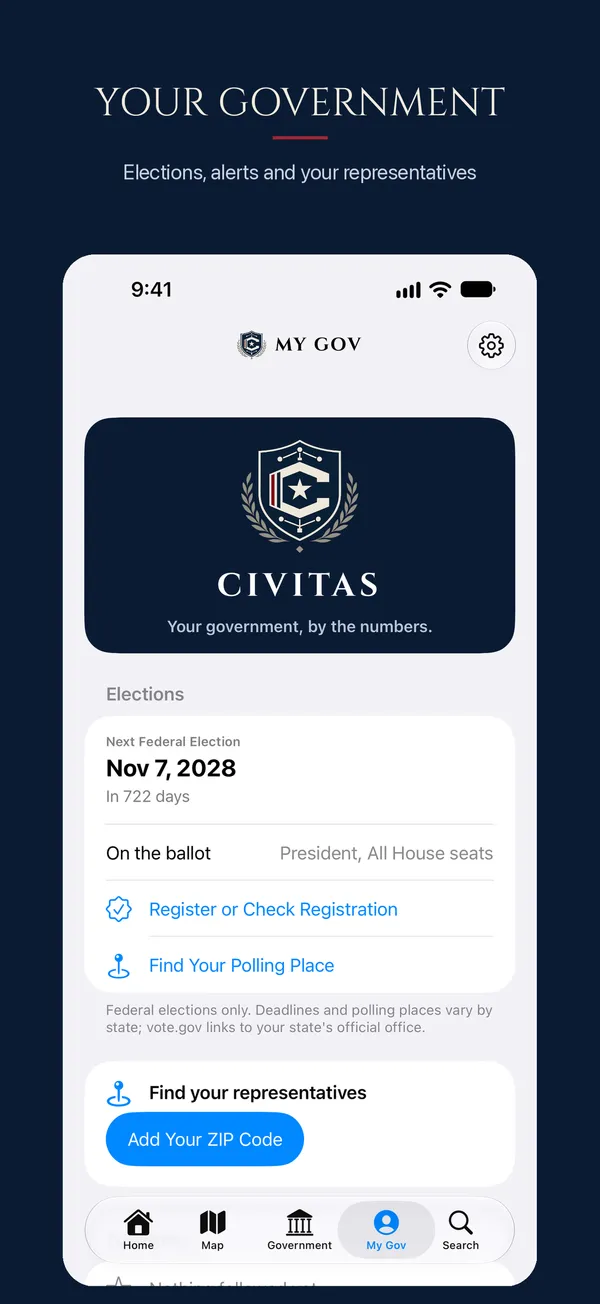
Add your ZIP to see your representatives, elections and registration links. Get alerts for bills and votes you follow, and a weekly digest.
Home Screen widgets National debt, next election, and My Government.
Siri "What's the national debt in CIVITAS?"
Senate hearings The Senate hearing schedule with live video.
County spending Federal spending in your county.
The Fed and markets The Federal Reserve and markets.
Sources Methodology and sources on every page.
No account, no ads, no analytics, no tracking. Your ZIP code, follows and messages never leave your phone. CIVITAS doesn't run a server that collects anything.
FAQ
Yes.
No. It shows official data and takes no positions.
Official government sources. Every number shows its date and source.
No. It drafts the text, and you send it through your member's official contact form or by phone.
iPhone and iPad, iOS 26 or later.
Install TestFlight from the App Store, then tap "Join the Beta on TestFlight" on this page.
More help is on the support page.

Free · iPhone and iPad · No account, no ads, no tracking.